
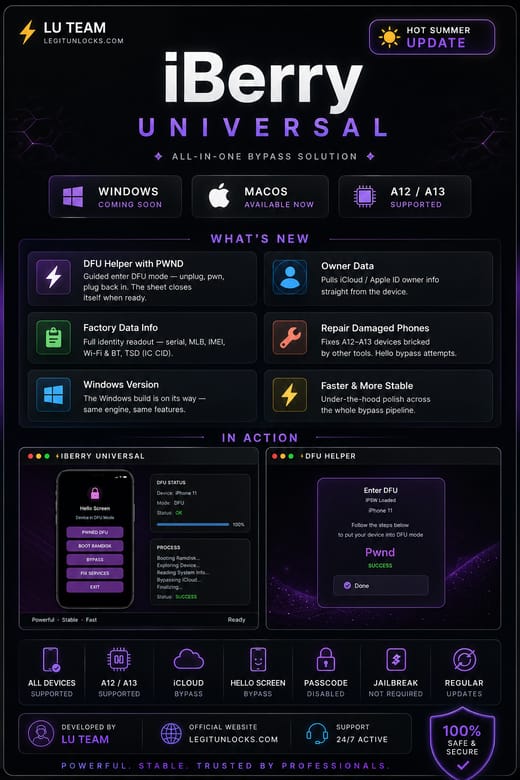
iBerry Bypass is a passcode bypass for the iPhone XS Max that keeps full signal after the bypass, on iOS 17 up to iOS 27. You run it yourself on Windows or Mac. It uses iBerry Universal and iBerry Serial 1.0 together with a pwned DFIJ board to complete the serial change.
🚀 Key Features
- Passcode bypass for iPhone XS Max
- Full signal after bypass
- Supports iOS 17 through iOS 27
- Works on Windows and Mac
- Uses iBerry Universal to read the original serial number
- Registers your ECID with the iBerrySerial service
- Serial change through Purple Boot and DFIJ
- iBerry Serial 1.0 runs the process in Recovery Mode
📋 What You Need To Send
- The ECID from your phone in Recovery Mode
- The original serial number, read with iBerry Universal
- A pwned DFIJ board connected for the Purple Boot step
⚠️ Before You Order
- Find the original SN first with iBerry Universal before anything else
- The phone must go into Recovery Mode and stay connected to the tool
- After the DFIJ board step, replug it to the Mac or tool before tapping Purple Boot
- Enter the original serial exactly when the Change SN screen appears
The manual is short: read the SN, register the ECID, run DFIJ and Purple Boot, then paste the serial when Change SN appears and tap done.
⬇️ Download
- Files and manual: https://mega.nz/folder/j6ZSSJyB#nQnIMWLhUi_cT9NFfNIXeQ
- Download everything before you start the bypass
- Keep the files on the same computer you run the tool on
Open the link in a browser, copy the folder to your computer, and follow the manual from the first step. You need the pwned DFIJ board in hand before you begin, not after.